Bring the crew together.
Open SyncTake on each device, pick a station, and join the same set. Your screenplay and shooting schedule travel with you.
For the crew making it happen
Turn your crew’s iPhones and iPads into a connected film set. Cameras, sound, and slate, working together.
Free during beta. iPhone, iPad, and Mac.
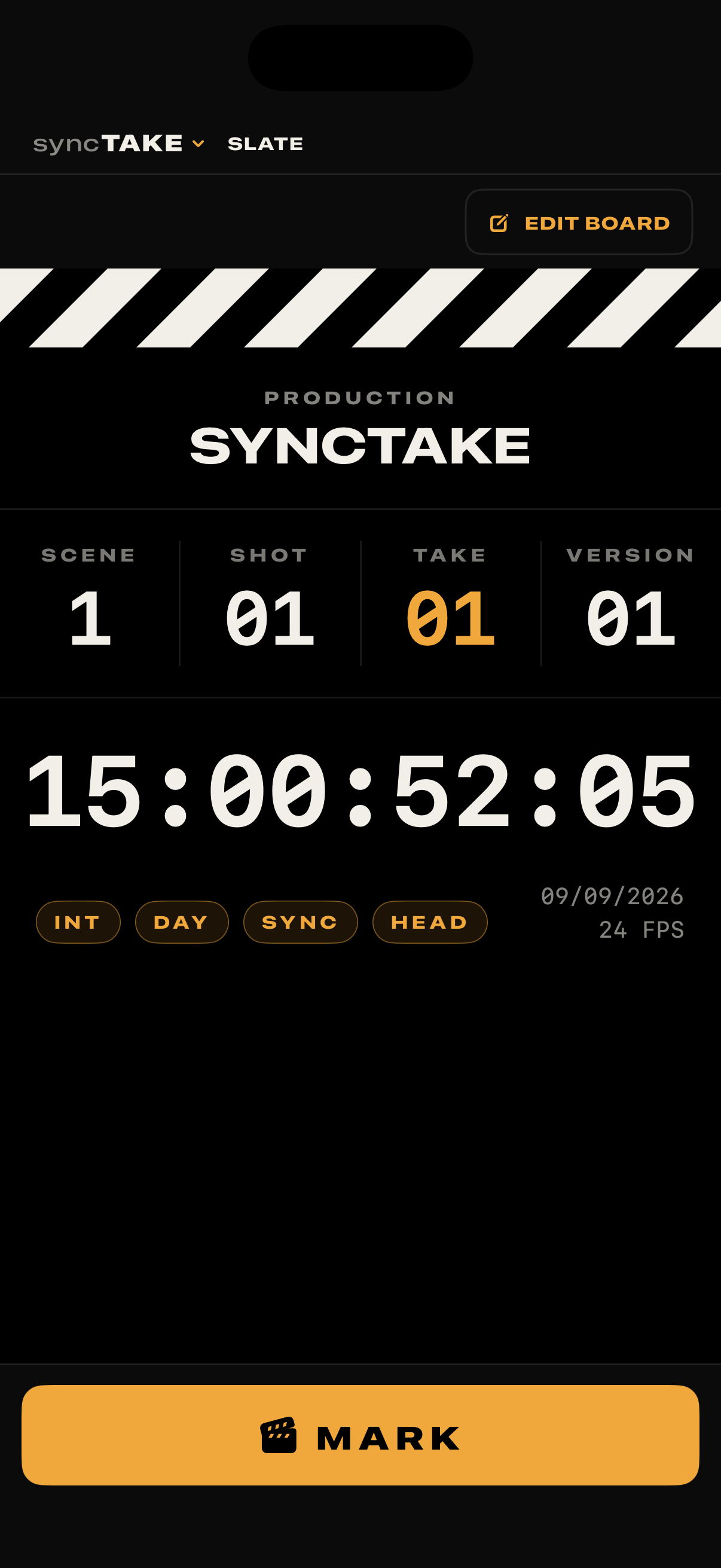
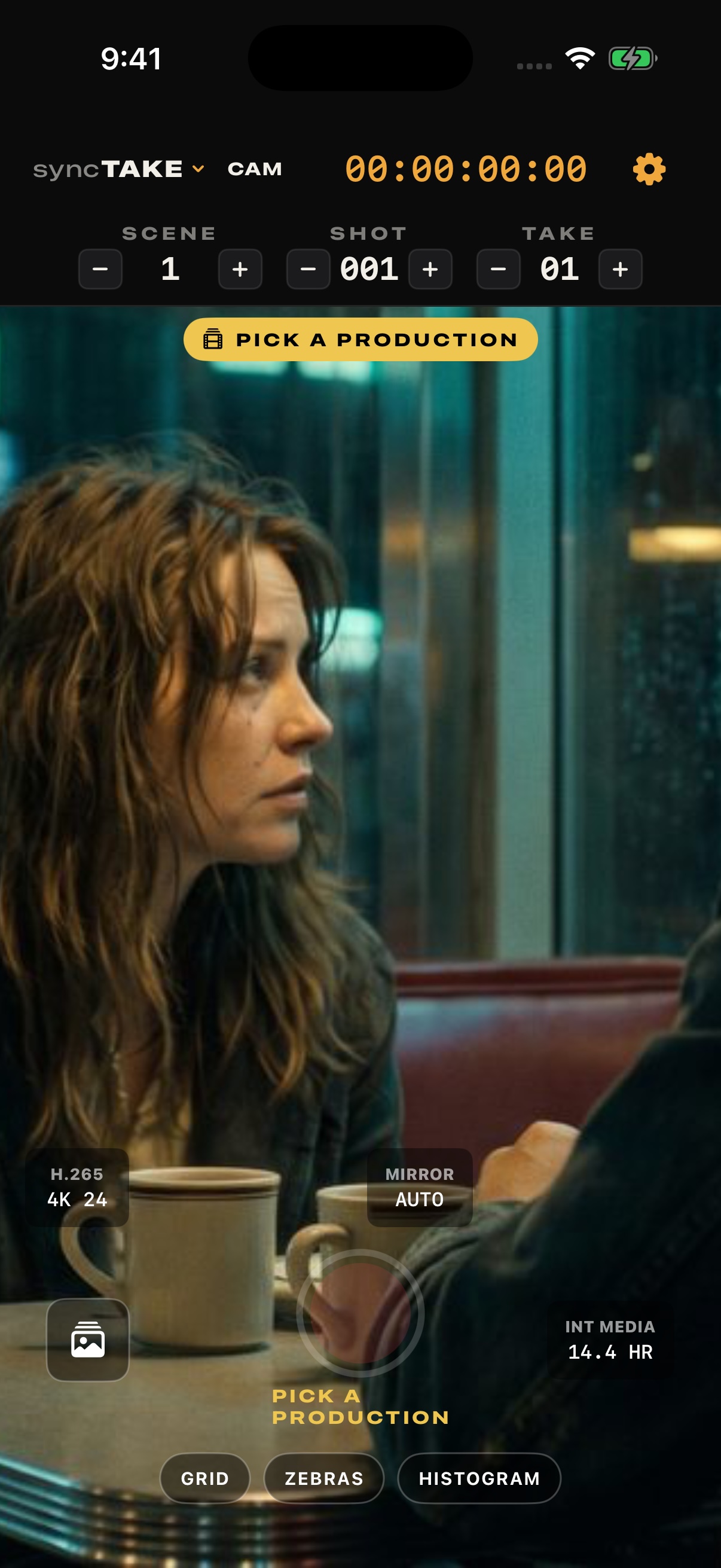
One app. A station for every job.
Your devices. A connected crew.
No internet on set. Keep the day moving.
Keep cameras, sound, and the rest of the crew on the same scene, shot, and take. From the first roll to the edit.
Open SyncTake on each device, pick a station, and join the same set. Your screenplay and shooting schedule travel with you.
Roll and cut cameras and sound together. Mark the take once, with scene and take information shared across the set.
Offload to the Mac over local Wi-Fi. Review angles by take, circle your picks, and export timelines for Resolve or Final Cut.

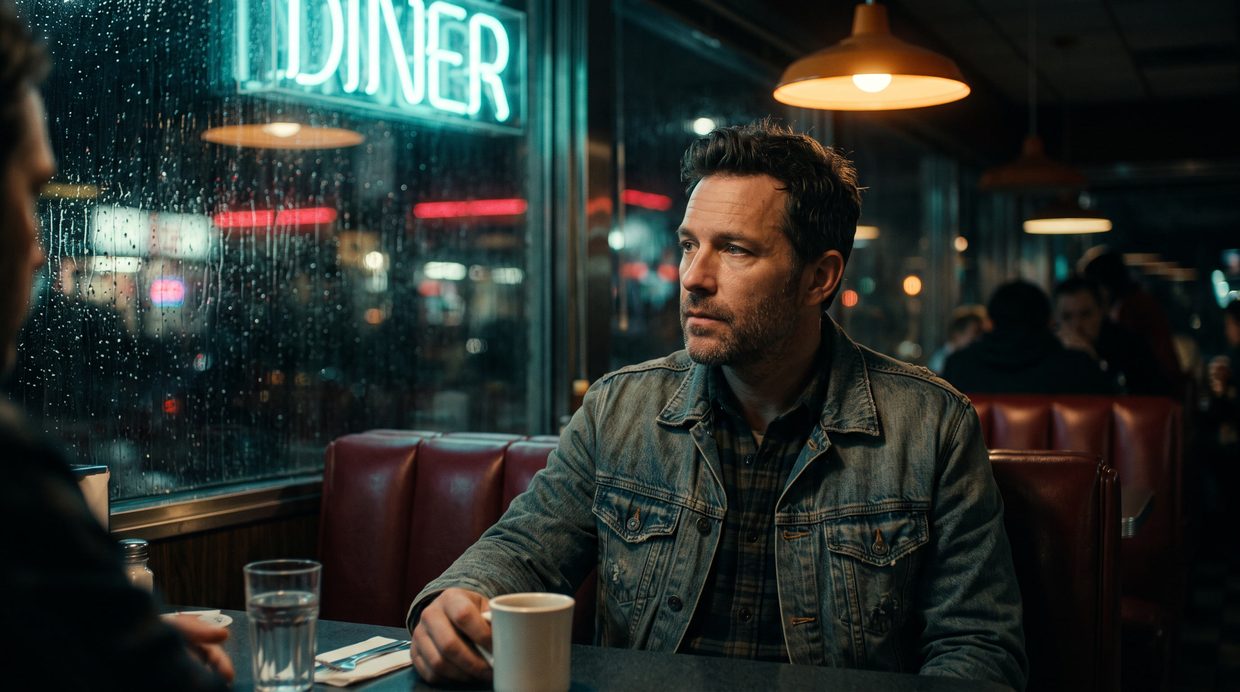
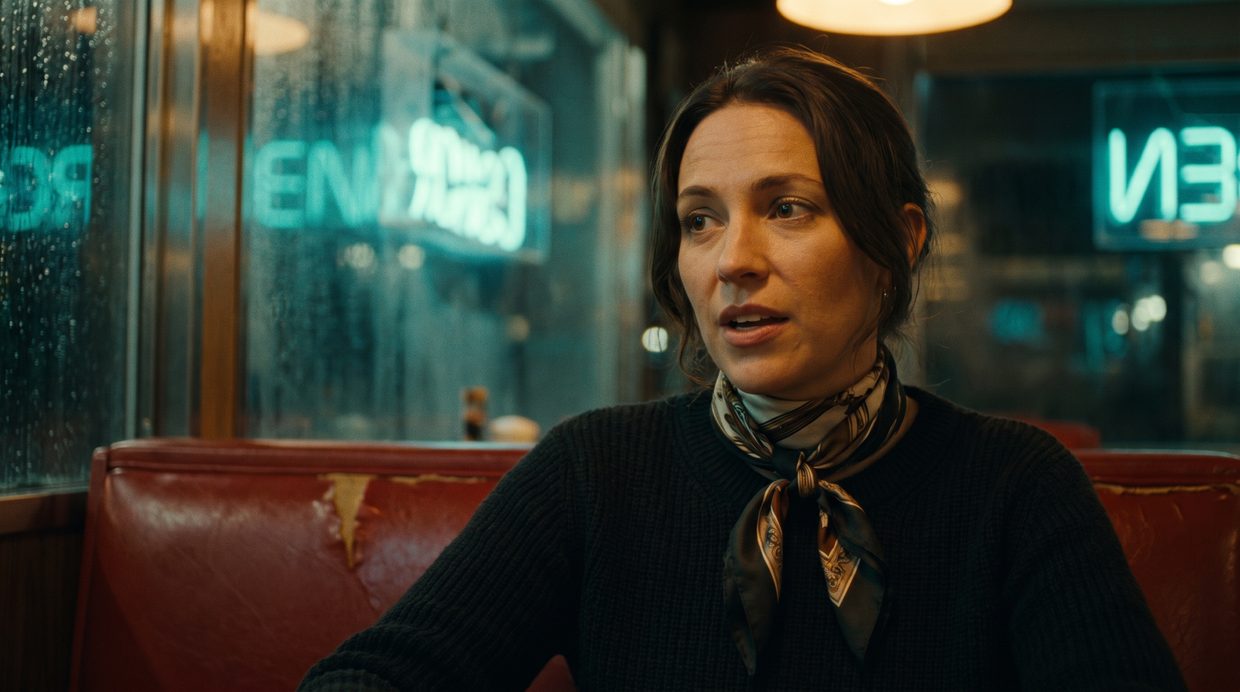
Interactive illustration of a shared clock, not a sync-accuracy test.
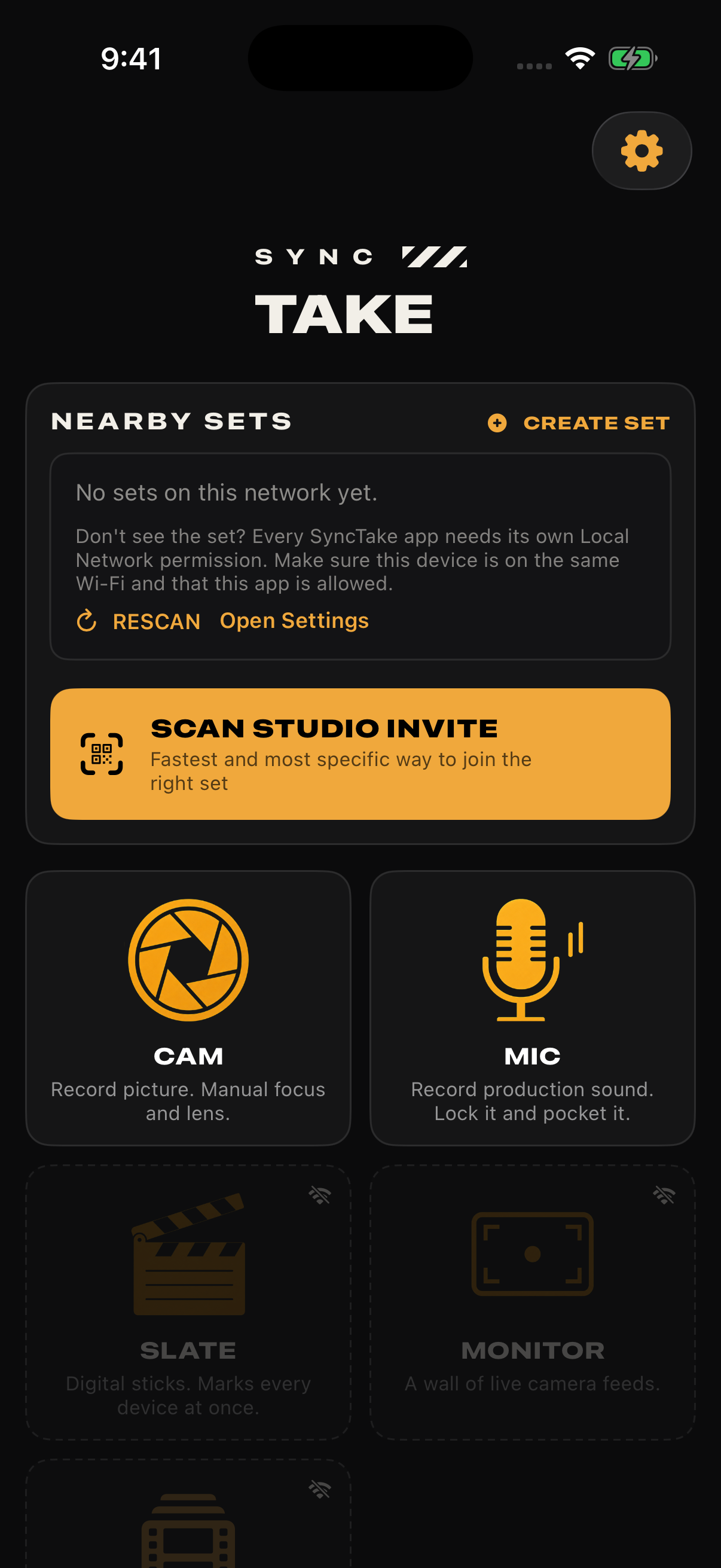
One iOS app, nine stations. Give each device a job, then switch stations when the shoot calls for it.
SyncTake is in closed beta. Join the list for the next round of invites. We’ll ask you to confirm your email, then write when there’s news. Signing up doesn’t give you immediate app access.
The beta is free for as long as it runs. No payment details are needed to join the list. Paid plans are planned for launch; we’ll share those details before asking you to subscribe.
SyncTake runs on iPhone and iPad with iOS or iPadOS 17 or later. The Mac hub needs macOS 14 or later. Use a Mac for footage offload and the handoff to your editor. Camera formats depend on your hardware.
No. Devices connect locally, and recording doesn’t require an internet connection or a cloud account. Footage offloads over your set’s own Wi-Fi. Cloud features need a connection and separate setup.
We’re still testing sync accuracy across devices. The beta is for test shoots and feedback, and isn’t a frame-accuracy guarantee. Check your footage and sync before relying on it for a shoot you can’t repeat.
Recording files stay on the recording device or its connected SSD. The Mac hub can receive takes over local Wi-Fi, organize them, and export timelines for DaVinci Resolve and Final Cut. You choose whether to set up cloud sync.
Small crews. Big ideas.
We’re looking for small crews to test SyncTake on real shoots. Join the list for the next round of beta invites.
Get the next beta invite.
Free during beta. No payment details.
A confirmation email, then nothing until there is news. One-click unsubscribe on every message.